Unblur Image Make Every Detail Clear
Unblur Image instantly sharpens blurry photos with advanced AI technology.


Upload Your Images
Supports JPG/JPEG/PNG/WEBP · Max 10MB per file · Max 1024x1024px · Up to 5 files
AI-Powered Image Unblurring
Our advanced AI unblurring engine analyzes every pixel to reverse motion blur, out-of-focus blur, and low-resolution softness. By reconstructing lost edge information and recovering fine gradients, Unblur Image brings clarity back to photos that were previously unusable. Ideal for fixing blurry portraits, travel shots, screenshots, and old photos.
Sharpen Details with Precision
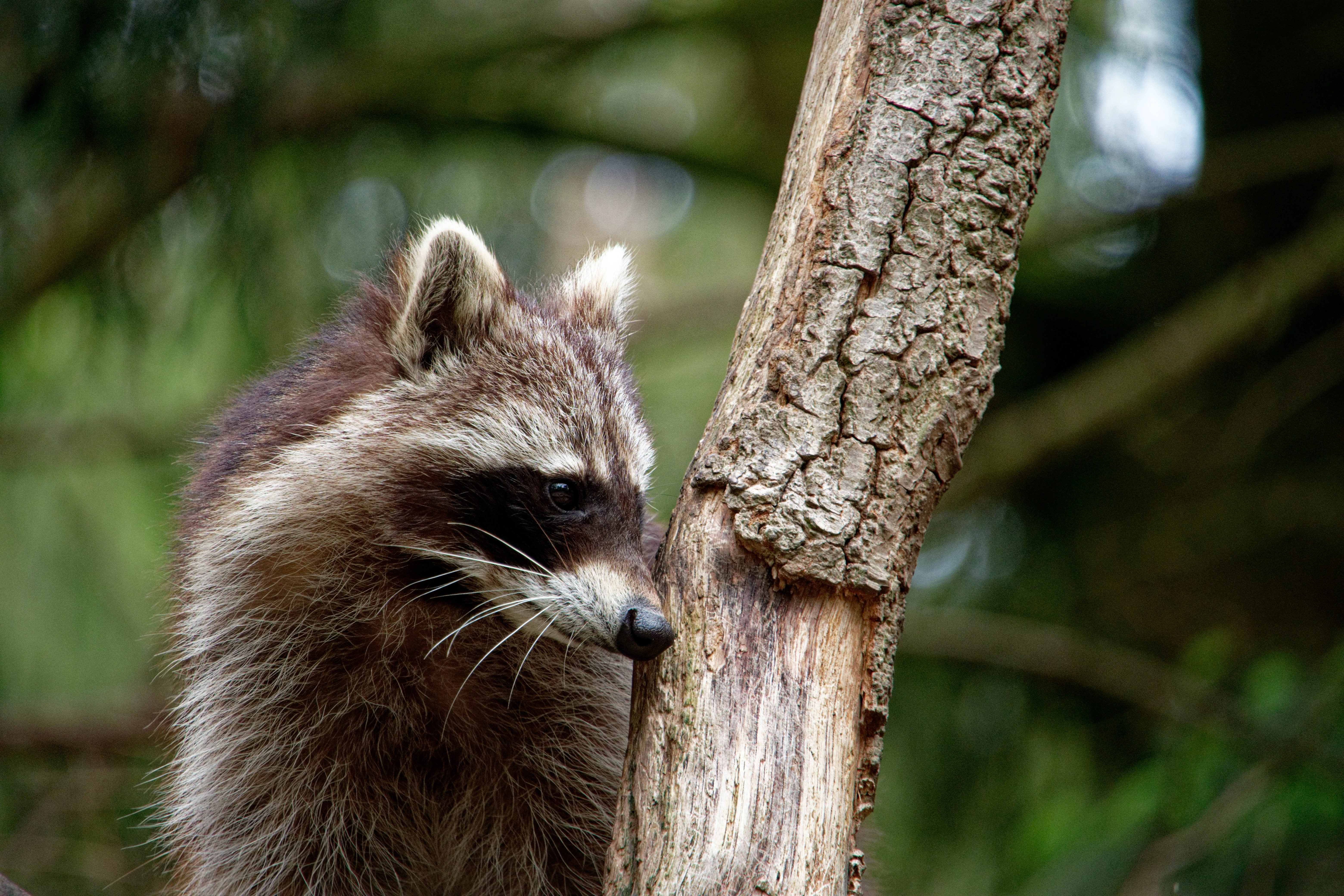
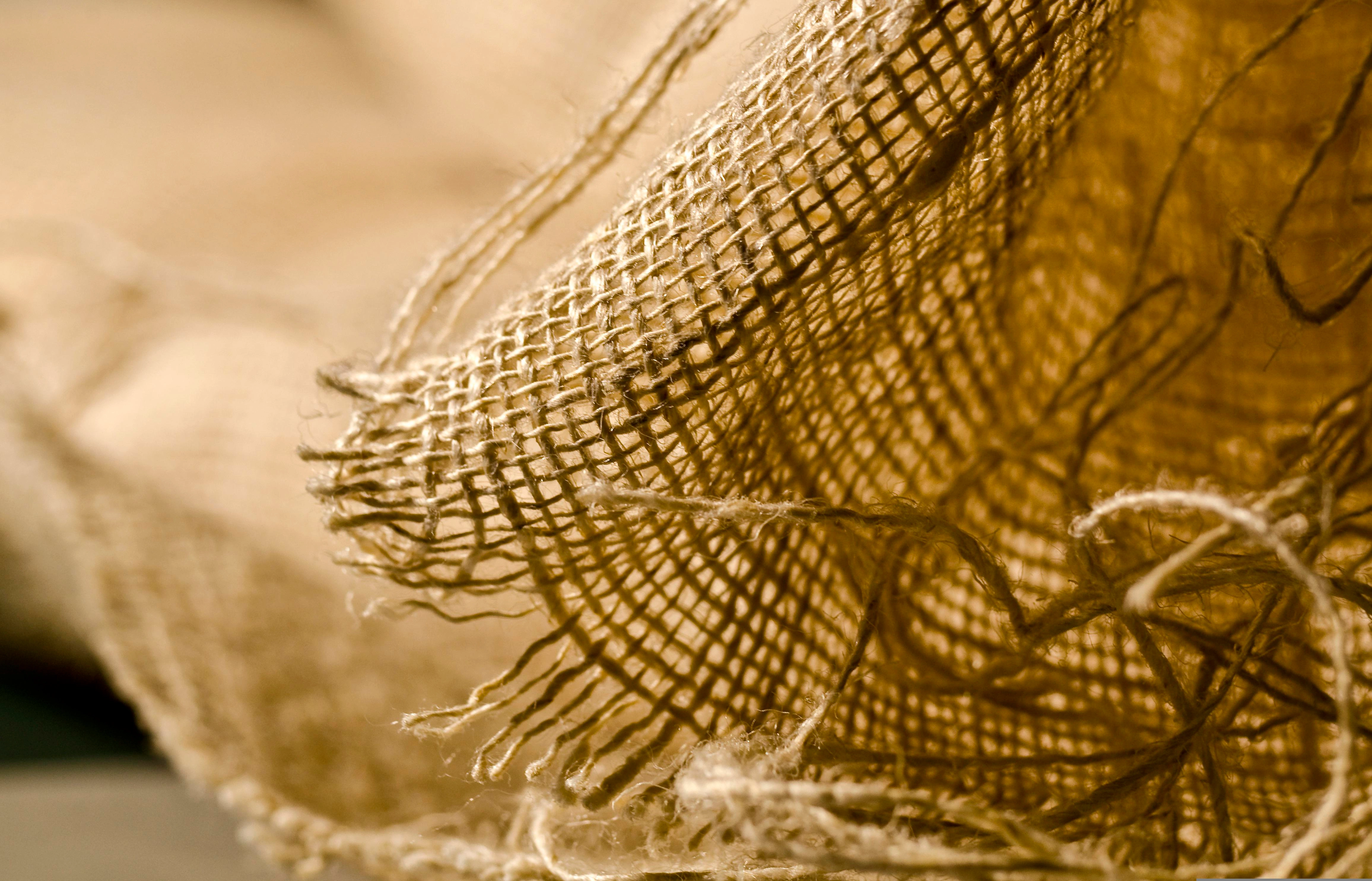
Enhance textures, edges, facial features, and micro-details using our precision sharpening model. Unlike traditional sharpen filters that create harsh halos, our AI produces natural, balanced results without over-sharpening. Your photos regain crisp clarity while maintaining a realistic look and smooth color transitions.
Image Upscaling for Higher Resolution
Increase your image resolution up to 2×, 4×, or higher while preserving sharpness and eliminating pixelation. Our super-resolution model reconstructs missing textures to produce clean, detailed, high-resolution outputs suitable for printing, design work, e-commerce, and social content.
Noise Reduction for Cleaner Images
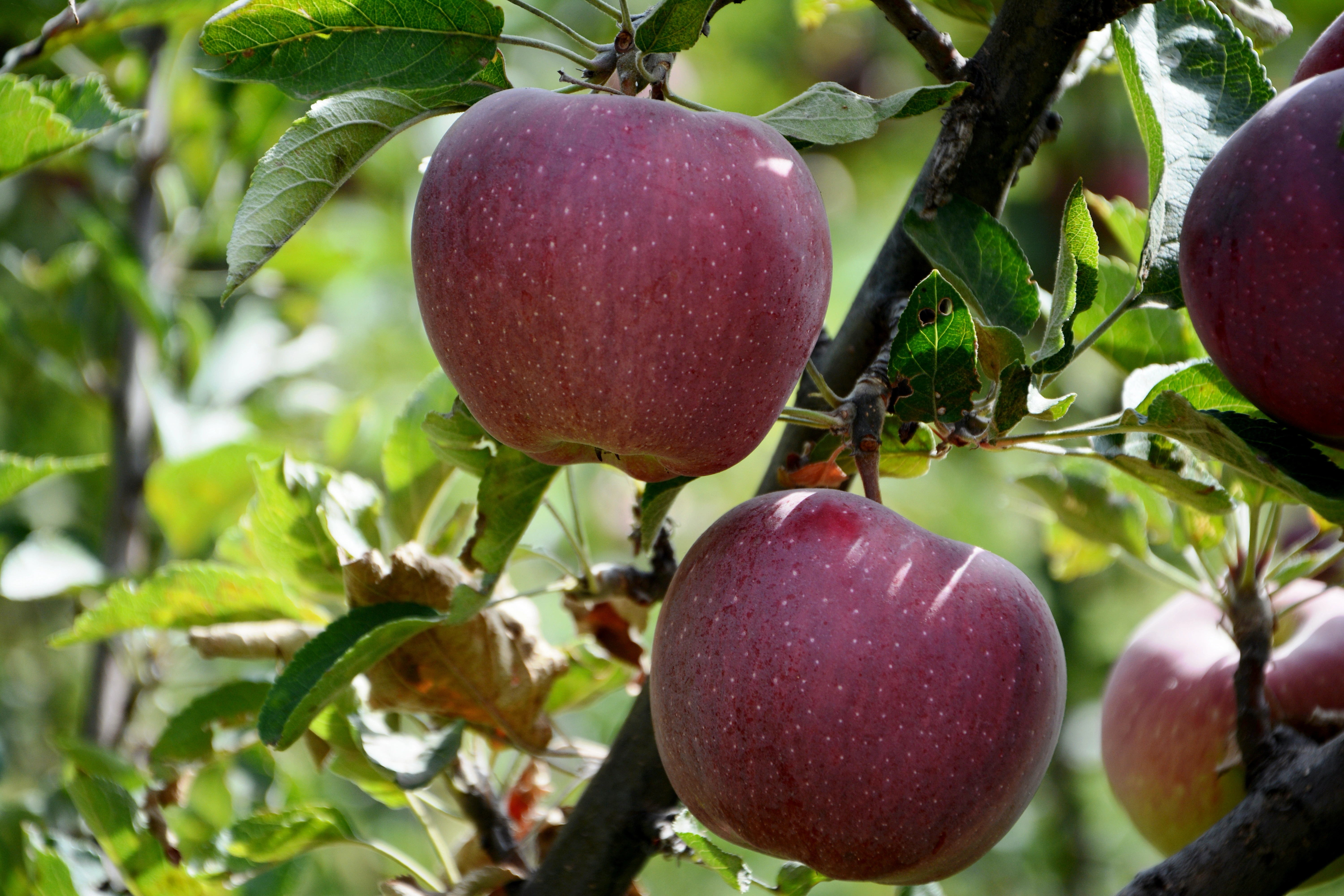
Remove digital noise, grain, low-light artifacts, and compression flaws without losing important detail. Our AI noise reduction technology identifies the difference between “texture” and “noise,” keeping your photo natural while eliminating distracting imperfections.
Smart Clarity & Visual Enhancement
Improve overall clarity, contrast, lighting, and visual definition with one click. The system optimizes brightness distribution, enhances edge perception, and restores color depth to make your photos appear brighter, cleaner, and more professional.
Enhance Every Photo with Ease
Unblur Image uses advanced AI algorithms to automatically sharpen and enhance your photos. Whether for personal memories, social media posts, or professional visuals, every image becomes crisp, clear, and full of detail in just a few clicks.
E-commerce Product & Marketing
Sharpen product shots so customers can zoom into every texture, pattern, and color before they buy.
Image Printing & Enlargements
Prepare high-resolution photos, posters, and album layouts without losing clarity when scaling up.
Design & Visual Projects
Highlight UI mockups, digital art, and presentation graphics with precise lines and readable micro-details.
Social Media Content
Deliver scroll-stopping posts and stories by fixing low-light selfies, travel shots, and user-generated photos.
How to Use Unblur Image
Follow these simple steps to quickly unblur your photos using our smart AI tools.
FAQs about the Image Sharpener
How does Unblur Image restore blurry photos?
Unblur Image uses advanced AI algorithms to analyze your photo and intelligently enhance details, sharpen edges, and improve overall clarity within seconds.
Is Unblur Image free to use?
Yes! You can use the basic tools completely free to unblur your photos instantly. Premium features are available for users who want more advanced enhancements.
Can Unblur Image handle high-resolution images?
Absolutely. Our AI is optimized to process high-resolution photos while preserving detail and image quality.
Does using Unblur Image affect the original photo quality?
No. Unblur Image enhances your photo without damaging the original file. You get a sharper version while keeping the original safe.
Are there any limits on file size or format?
Unblur Image supports common image formats such as JPG and PNG. While large files may take slightly longer to process, our system efficiently handles them without quality loss.
Can I use Unblur Image on mobile devices?
Yes! Unblur Image works on desktops, tablets, and mobile devices, allowing you to sharpen photos anytime, anywhere.
Ready to Make Your Photos Clearer?
Try Unblur Image now and instantly sharpen any blurry photo with powerful AI technology. Fast, simple, and incredibly effective.